




-
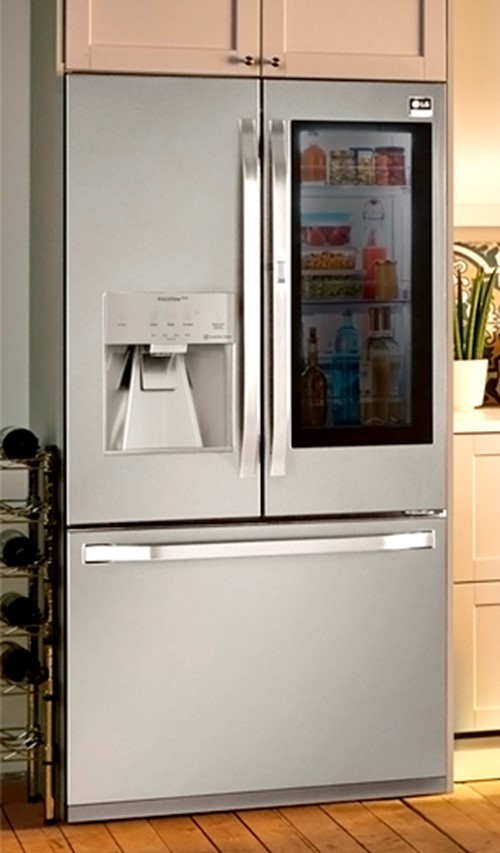
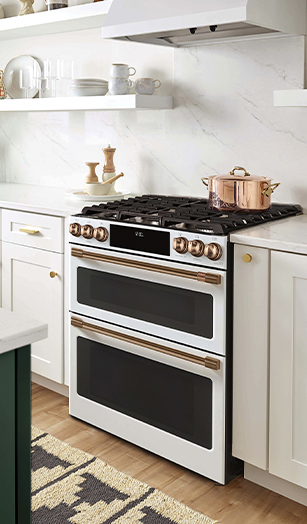
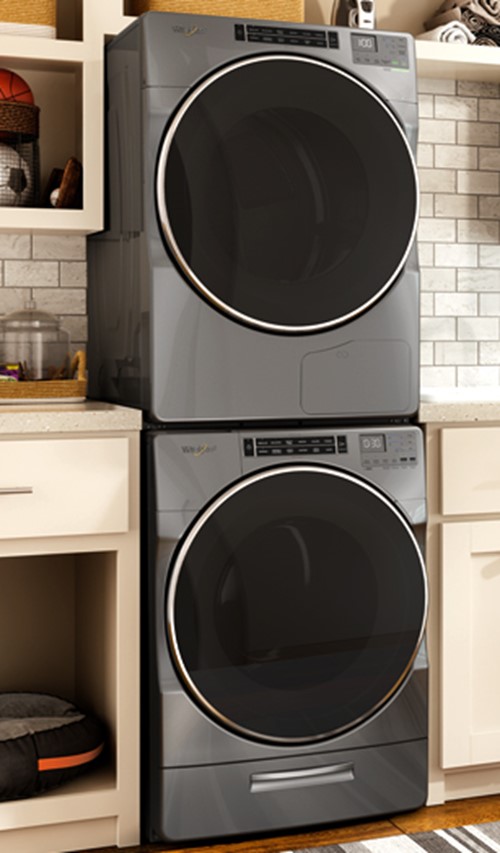
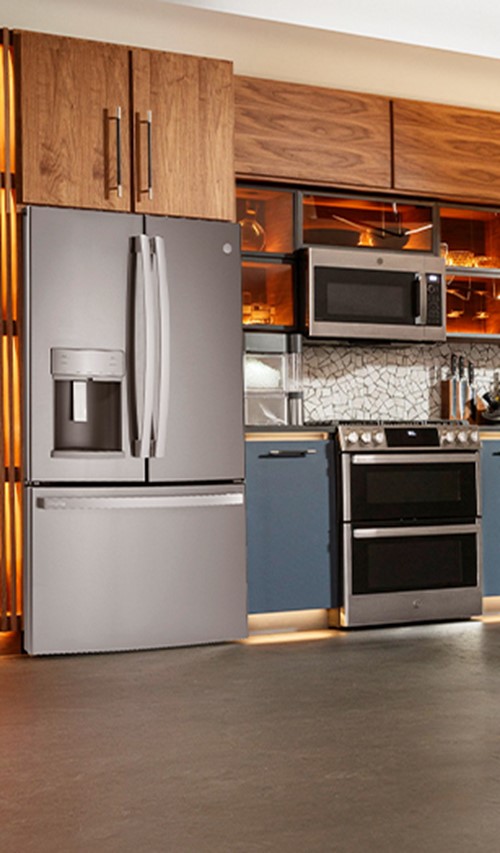

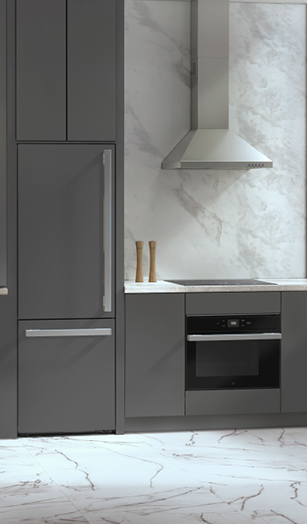
Avoid delays and check out our 'Good to go' items for in-stock models with a next day delivery.

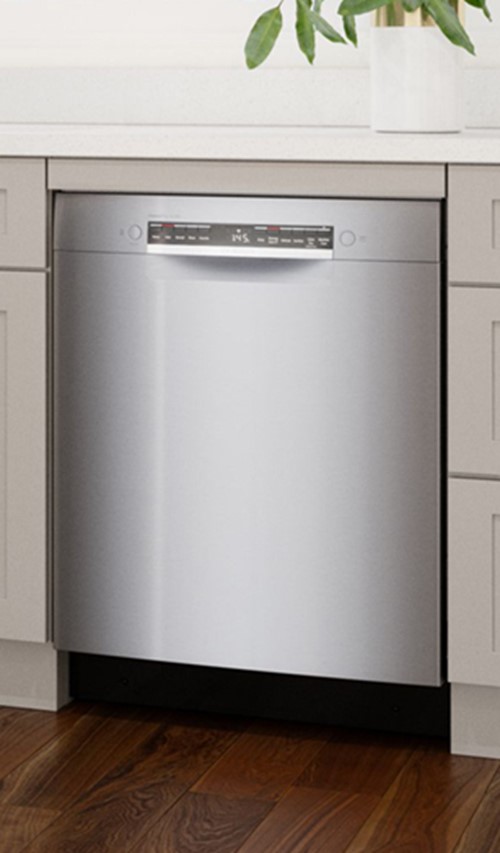
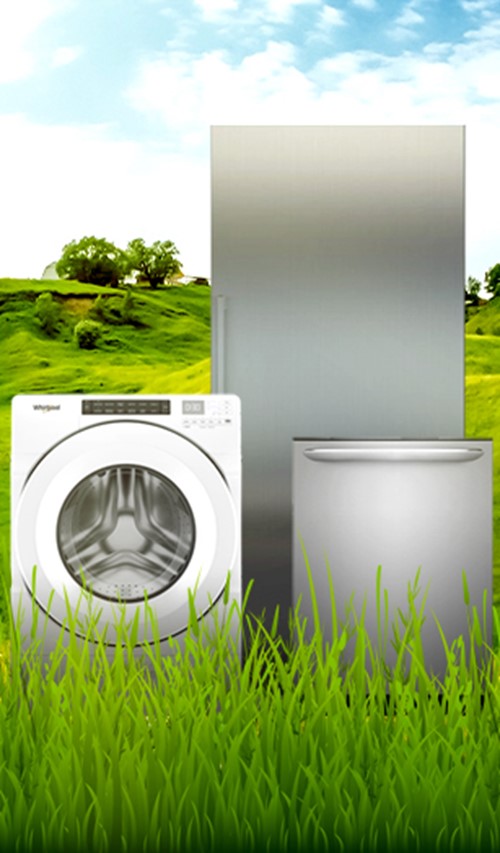
Save now, save later and save the future. Browse our Eco friendly appliances which can not only slash your energy bills but greatly reduce the energy, water consumption and environmental impact of your household.
See our Energy Star selection here

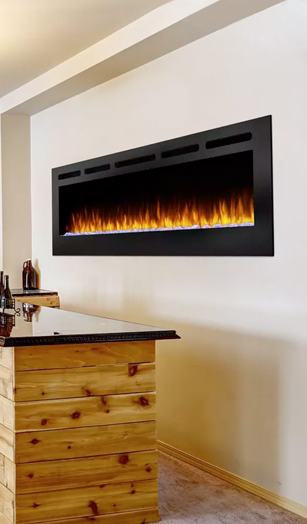
At Goemans Fireplaces, we enhance the comfort and ambience of each customer’s home
through safe, sustainable hearth solutions.

Goemans Fireplaces is a spin-off of Goemans Appliances, a family-owned company since 1978. With over 20 years of experience in the fireplace and hearth industry, and because of our values and focus, Goemans Fireplaces has over 14,000 customers today.
Goemans Fireplaces offers only the most premium brands including Napoleon, Regency, and Kingsman, which are readily available and serviceable. Our goal is to ensure customer trust through name recognition, quality, reliability, and support for our products. We align with our clients in pursuit of enhanced home comfort and ambience through distinctive hearth and fireplace solutions that they will enjoy for years to come.
The service we provide to our customers is second to none – the products we sell are installed and serviced by our own in-house, factory trained, insured, and fully licensed technicians. Our Goemans name and commitment to excellence has allowed us to build and maintain loyal and enduring relationships with our clients and throughout our community.
Shop our affiliate Goemans Fireplaces in Stoney Creek, Ontario
430 McNeilly Road, Unit 106
Stoney Creek, Ontario
L8E 5E3
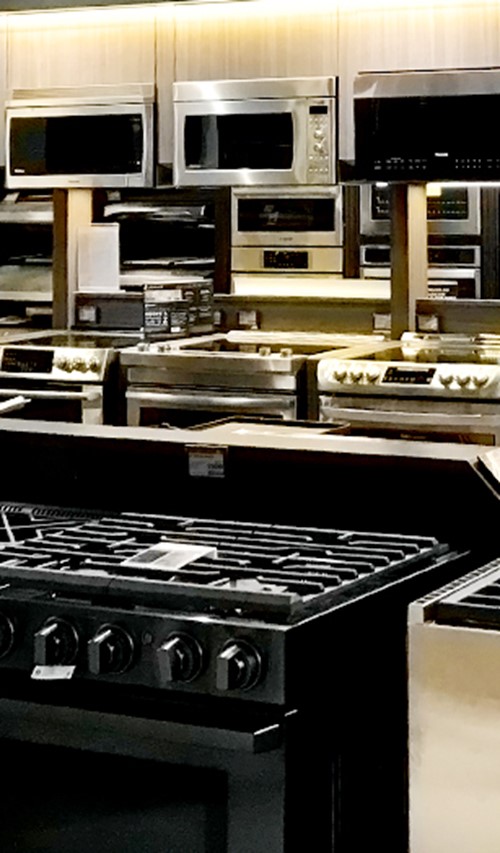
Phone: (905) 637-1100Shop our clearance and liquidation offers and enjoy exclusive savings on premium brands — with additional savings when you bundle.






FREQUENTLY ASKED QUESTIONS
DO YOU HAVE QUESTIONS?
Well you’ve come to right place! Here are some answers to our most commonly asked questions. If you still can’t find the answer you’re looking for, no worries. Click on one of the options below, email us or visit our live chat.
I’ve seen this item cheaper at another retailer. Do you price match?
Yes, we do! For more information on our Price Match Guarantee, please click here
I need my items right away! Can you ensure I will get my items in time?
Thank you for visiting our stores, both online and in person, for your appliance needs. We take our promises very seriously and we don’t want to make a promise we can’t keep.
For a list of current in-stock models, see here
I’ve placed my order, now what?
Once again, thank you so much for your business. One of our order coordinators will reach out to you to confirm your order and communicate any changes in product availability, delivery times etc…
How do I track my delivery?
You can track your shipment online on the day of your delivery at www.goemans.com/home/track-your-delivery/
We’re just as excited as you are to enjoy your item(s).
I received my item(s). How do I set it up?
We are proud to offer our installation services to all of our customers, giving you a truly worry free appliance shopping experience. Our professionally trained and certified technicians are qualified to install all our products. This service can be purchased at the cart or with your assigned order coordinator.
For details on service information regarding installation, click here.
How can protect my item(s) after the manufacturer warranty expires?
We’ve got your back! For just pennies a day, shop and enjoy your product(s) with peace of mind with the Goemans Service Protection Plan (GSPP). For more information, see here.
I don’t think this is the right item(s) for me. Can I return or exchange it?
Oh no! We’re sorry this product wasn’t to your satisfaction. For items purchased in-store, please contact Goemans Customer Service at 1-877-GOEMANS(463-6267). Purchased online? No problem, we will help find the right product for you. See here for details.
I’m a builder/designer…how can I collaborate with you?
We’d love to! Like peanut butter and jelly, we belong together. Please see our dedicated pages for more information.
I’m getting an error when I try to make my payment online, what do I do?
Errors usually occur when security validations fail. This often happens when the details being entered have spelling errors or differ from the information your bank has on file. Please review all the information being entered into the form to avoid any spelling errors; including extra characters (like dashes or spaces) or check with your bank to confirm your card details are up to date. If you need further assistance, please chat with us, or call 1-877-GOEMANS
What is Goemans Account?
Goemans Account is a convenient and secure platform designed to help our customers be closer to the order fulfillment process and provide you with a more streamlined way to manage your account, access invoice information, and interact with our services.
How do I sign up for a Goemans Account?
In your local Goemans store and on your invoice, there will be a QR code that will link to our sign-up page. Enter your information as instructed on the page using the email you provided at the time of your purchase (and on your invoice) and create a password to complete the sign-up. If you have lost the link, please speak to your local Goemans sale associate and we can send the link. Your email for your Goemans Account must be the same email provided at the time of purchase that is on your invoice.
When I try to log in to my Goemans Account, I get an error message that says: “Member not allowed.”
Your account has not been activated. To activate your account, please use the one time code and follow the link in the email sent to you. Please check your junk/spam folder if you do not see the communication.
If you are still having issues logging in, please click here.
How do I log in to my Goemans Account?
To log in, visit our website through our QR Code link or Goemans Appliance and click the "Login" button. Enter your username and password, then click "Submit." If you forgot your password, use the "Forgot Password" link to reset it.
I've forgotten my Goemans Account password and can't log in.
Once on the login page, select 'forgot password'. You will be directed to our 'Forgot your password?' page. Please enter the email address associated with your account and invoice and select 'submit'. We will send you an email to reset your password. If you do not know the email for your account, please reach out to your local Goemans pro or submit a request ticket.
I would like to change my Goemans Account password. Where can I do that?
You can change your password from the "Account Settings" section after logging in. Select the "Change Password" option and follow the instructions.
How do I update my contact info in my Goemans Account?
As it relates to your Goemans Account, you can make changes to your password and delete your Goemans Account from the "Account Settings" page once you’re logged into your account. These changes, once saved, are related to your Goemans Account only. If you would like to make any changes to your invoice included but not limited to questions regarding your purchase, the email on file or phone number etc.….please contact your local Goemans sales associate or a member of our customer service team.
How do I view my invoice in my Goemans Account?
Once logged in and on the account overview page, you will find a list of current and past invoices including site inspections and installs. Click on the invoice of your inquiry for more information. If you’re having issues seeing any invoice, please contact us for more assistance.
I'm experiencing issues with my Goemans Account. What should I do?
If you encounter any issues, try clearing your browser cache or using a different browser. If the problem persists, please fill out our service request form for assistance.
How do I log out of my Goemans Account?
To log out, click on the "Logout" option located in the top-right corner of your Goemans Account.
Is my Goemans Account mobile friendly?
Yes, Goemans Account is designed to be mobile-friendly. You can access it from your smartphone or tablet by using any web browser.
I have a question that I don't see answered above.
You can get help for all inquiries ranging from before delivery customer service to after delivery customer service to help with your account by clicking here.